Skip to content

Security that supports the proof workflow

Give Reviewers Access Safely and Prove What They Saw.

Aurora gives buyers, auditors, and insurers one place to verify the documents, owners, enterprise controls, and activity history that usually trigger weeks of follow-up. Every response stays current, supportable, and tied back to a reviewer operations hub from the first request through final sign-off.

Reviewer operations preview
Named controls procurement teams look for
Aurora makes the control set explicit instead of hiding it behind generic enterprise-grade language.
Enterprise SSO
Centralized authentication for operators and reviewer tiers
SCIM
Provisioning and deprovisioning tied to the identity perimeter
Multi-Entity Scoping
Entity-safe proof and reviewer boundaries
Scoped API Keys
Attributable automation without shared credentials
Audit-Period Exports
Pinned snapshots and diffs between review windows
IP Allowlisting
Network boundary enforcement with break-glass support

What buyers confirm before they approve

Named Enterprise Controls, Scoped Reviewer Access, and Full Activity History

Reviewers verify the document set, the named owner, enterprise-control posture, and the full access record from a single read-only view while your internal work stays private.

What reviewers see

Only the documents tied to this request, organized so reviewers can verify without a single follow-up email.

Limit each export to the request

Give each reviewer time-bounded access to the exact documents they need, with a named owner behind every share.

Assign a named owner to every response

Route security questions to a direct owner instead of bouncing a reviewer across inboxes.

Start with review-facing documents

Publish SOC reports, subprocessor details, policy exports, and review packages through one clean access flow.
What stays controlled

Draft notes, internal approvals, and the complete revision history stay in your workspace, never exposed to outside reviewers.

Keep internal work private

Reviewers see only the evidence that belongs in the review while your workspace stays private.

Approve before anything leaves

Keep sensitive policies, reports, and attachments behind approval before they become externally visible.

Download the full access trail

Keep approvals, views, downloads, and revocations in one record your team can hand over later.

Need the reviewer view?

See Exactly What the Reviewer Operations Hub Shares

Preview the exact document package a reviewer receives, approved, access-controlled, and fully traced, so you can verify what goes out before you send it.

Mapped controls on the opening summary
Linked evidence on every answer page
Access history that stays attached after the download
See the Sample Reviewer Package
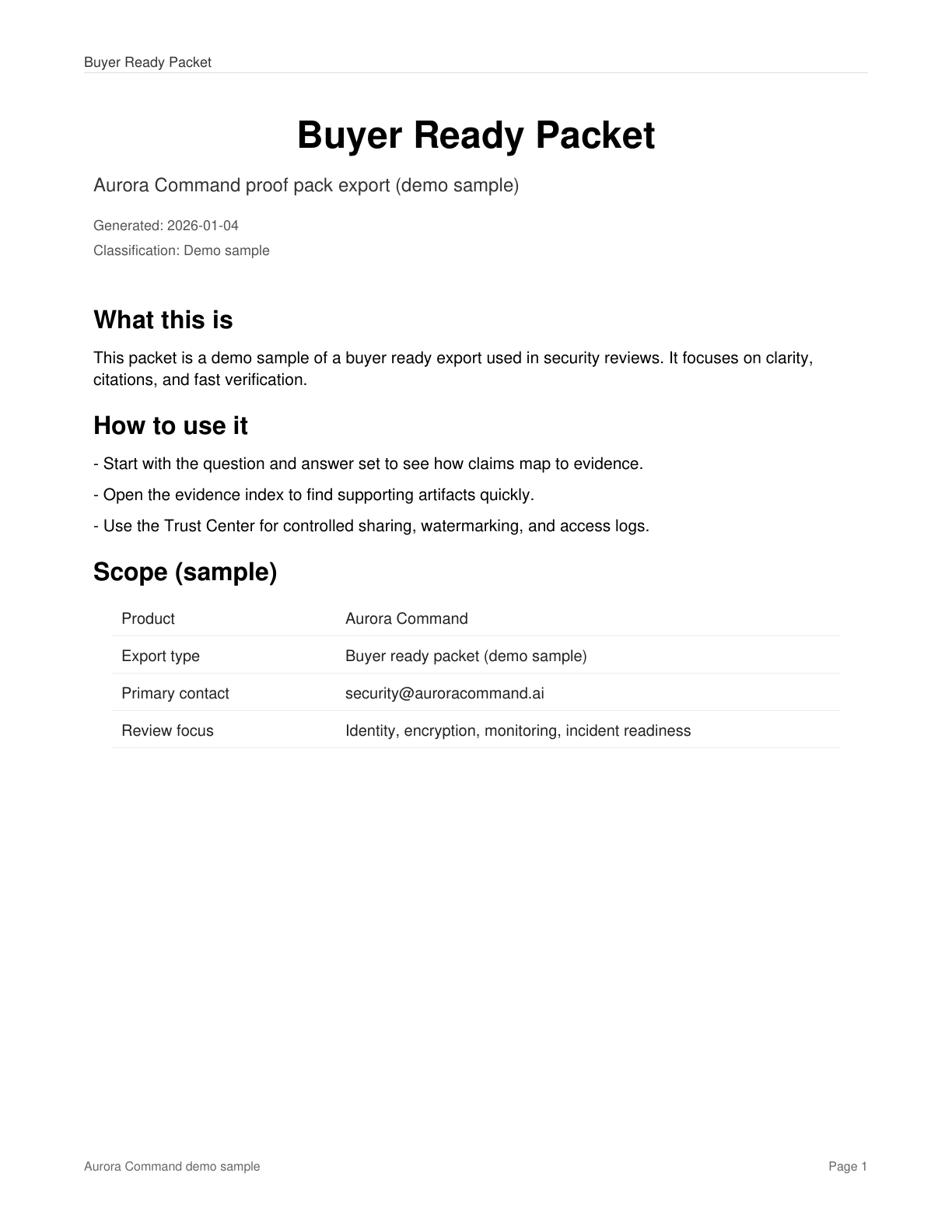
Aurora sample reviewer package showing mapped controls, evidence links, and structured review formatting.
Sample Reviewer Package
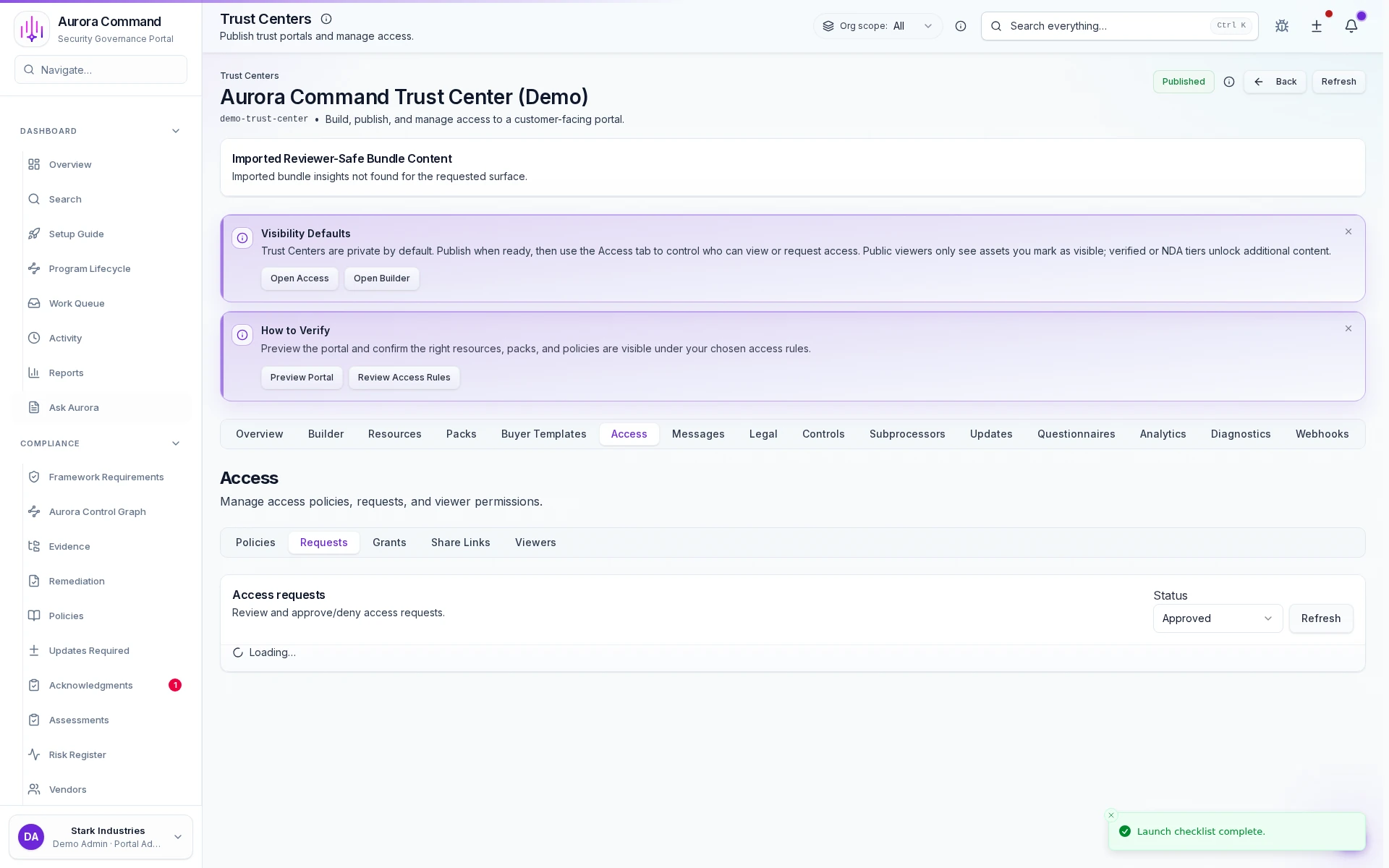
Aurora reviewer access admin view showing scoped reviewer access, document controls, and share settings.
Access Controls

From request to sign-off

Every Review Follows One Locked Path

Whether it's a buyer questionnaire, audit request, or insurance renewal, every response follows the same locked path, so nothing ships without an owner, an approval, and a complete record.

01
Capture the request once
Start with the exact document request, deadline, and reviewer scope so your team doesn't re-explain the review from scratch.
02
Limit the package to exactly what was asked
Open the right reviewer tier, keep sensitive artifacts protected, and answer the review without oversharing.
03
Close with a complete audit trail
Aurora records views, downloads, approvals, and revocations so the review moves fast without losing accountability.

The next review in your queue

Close the Review That's Blocking the Deal

Share your next questionnaire, audit, or renewal. We'll define the document set, build the first-response package, and set the approval flow so the review closes on your timeline.

Other ways to inspect Aurora
Open Reviewer Access for the live reviewer view, or Email Our Security Team for a direct answer.
What you'll walk away with
The exact portal scope your reviewer will access
Which documents ship immediately and which still need approval
Who owns follow-up, revocation, and final sign-off