Skip to content
Vendor risk

Vendor Risk That Doesn't Live in Spreadsheets

Run vendor reviews that are repeatable, decisions that are documented, and recurring reviews that actually happen from intake through annual re-assessment.

Risk-tiered vendor profilesDocumented approval decisionsRecurring review cadence

Where teams get stuck

Why Vendor Risk Programs Stall

Initial due diligence gets done. But without structure, decisions are undocumented, follow-ups are missed, and reviewers get incomplete answers about your vendors.

Vendor reviews live in email threads

Questionnaires go out by email, responses land in inboxes, and follow-ups get buried. There is no single place to see where a vendor review stands.

Decisions lack documentation

A vendor was approved six months ago, but nobody documented why. When a buyer or auditor asks about your third-party risk program, you rebuild the story from memory.

Recurring reviews never happen

Initial due diligence gets done, but annual re-reviews slip. High-risk vendors go years without a follow-up because nobody owns the cadence.

This replaces email-based vendor reviews, undocumented approval decisions, and spreadsheet-based vendor registers.

Workflow

How It Works in Aurora Command

Five steps. Every vendor review builds on the last one. Recurring reviews use existing evidence and only refresh what changed.

01
Intake
Collect vendor context: data access, criticality, contract terms. Create a vendor profile.
02
Assess
Assign questionnaires and due diligence tasks. Track responses and flag gaps.
03
Collect evidence
Attach SOC reports, certifications, and findings with source and timestamps.
04
Decide
Document approval decisions, required controls, and contract terms. Every decision is timestamped.
05
Review cadence
Set recurring reviews by risk tier. Track changes over time and flag when re-reviews are due.

Vendor reviews go from ad hoc to repeatable.

Inside the platform

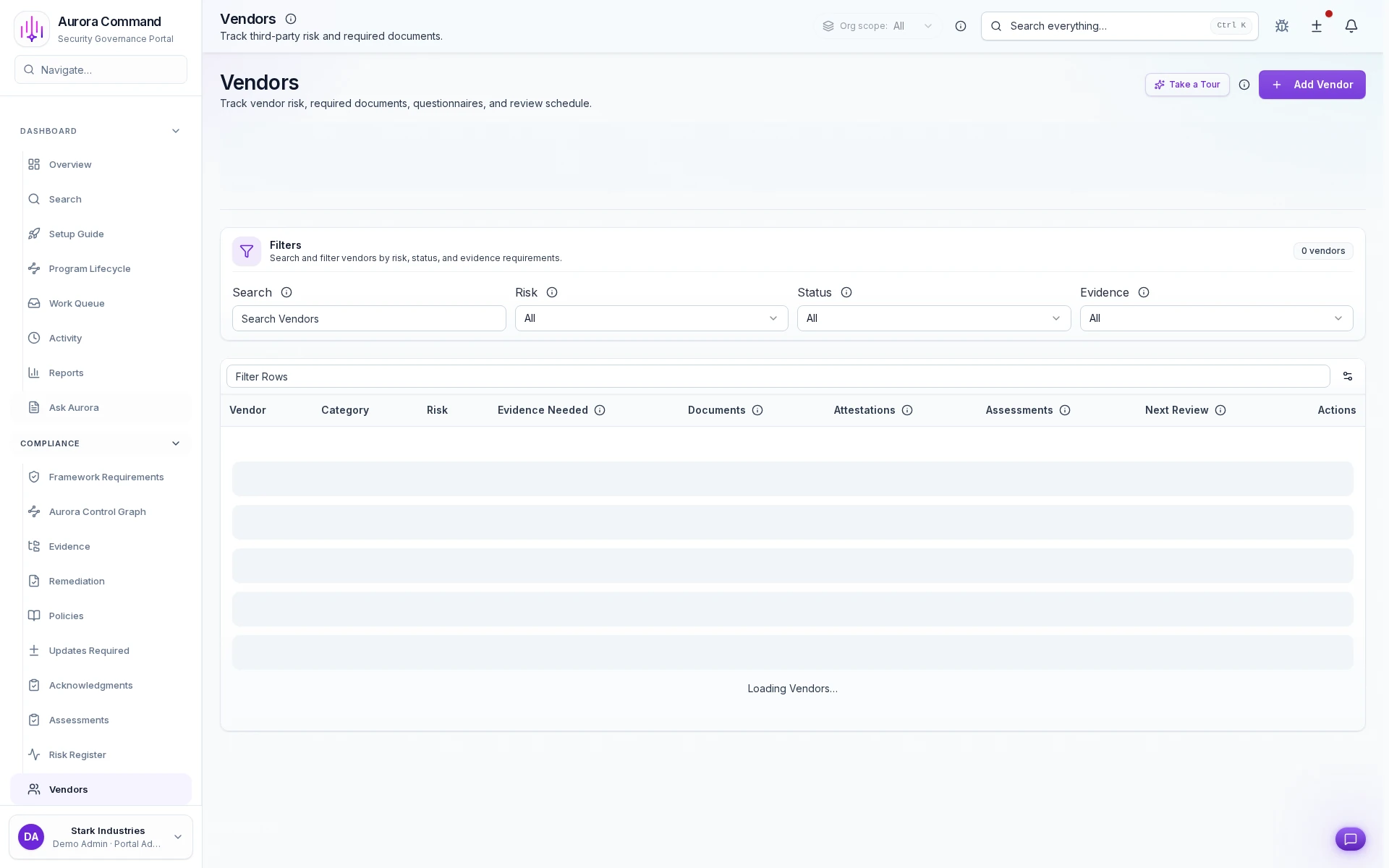
Your Vendor Register, Organized and Current

Every vendor shows risk tier, last review date, next review, and approval status. No more hunting through email for the latest decision.

Share with control

What You Can Share (without Oversharing)

When buyers, auditors, or insurers ask about your vendor program, share structured records, not screenshots of spreadsheets.

Vendor profile

Scope, risk level, data access, and review cadence for each vendor. Buyers and reviewers see that you manage third-party risk systematically.

Due diligence record

Questionnaire responses, linked evidence, and follow-up items. Each vendor review is documented and reusable.

Decision history

Approval decisions, required controls, and contract terms captured in one place. Auditors see who approved, when, and why - not a forwarded email thread.

Access & audit controls

Controlled Sharing, Not Shared Logins

Access controls, audit trails, and scoped reviewer permissions are built into the reviewer experience.

Controlled reviewer access

Reviewers see only what you share through tiered portals with expiring access links and structured permissions.

Full audit trail

Every view, download, and access event is logged with timestamps and reviewer identity for your records.

No workspace exposure

Reviewer views are separate from your operating workspace. No shared logins, no accidental access.

Want to See This with Your Vendor List?

Bring your vendor register or due diligence questionnaire. We'll show the workflow end-to-end in 15 minutes.

Common questions

What Teams Ask About Vendor Risk

How do we tier vendors by risk?
Vendor profiles capture data access, criticality, and contract scope. Aurora assigns risk tiers based on your criteria and sets review cadence accordingly. High-risk vendors get reviewed more frequently.
Can we reuse vendor assessments in buyer questionnaires?
Yes. When buyers or auditors ask about your third-party risk program, you can share vendor profiles, due diligence records, and decision history through Trust Center without rebuilding the narrative each time.
How do recurring reviews work?
Each vendor has a review cadence based on risk tier. Aurora flags when re-reviews are due and tracks what changed since the last review. The existing evidence carries forward. You only refresh what is stale.
What happens when a vendor's risk changes?
Update the vendor profile with new findings or scope changes. Risk tier adjustments trigger updated review cadences. Decision history captures why the change was made and who approved it.

Aurora Command does not guarantee compliance outcomes. It helps you organize and document the work.

Next Step

See the Workflow Before You Book Time

Open the real workflow first, then book time when you want your own vendor review process mapped live.

Next step
Ready to Get Your Vendor Program Under Control?
Bring your vendor register or due diligence process. We'll walk through the workflow end-to-end in 15 minutes.
No obligation. We'll map the workflow to your review cadence and risk tiers.