Feature
Executive Dashboard: See readiness at a glance, then drill into evidence.
The Executive Dashboard shows what is ready, what is stale, and what is blocking deals. Leaders get the story at a glance. Security teams drill into evidence and audit trails without switching tools.
See readiness at a glance, then drill into evidence.
- Approvals stay attributable:Policy, control, and decision changes keep a visible owner and review trail.
- Controls map once:Reuse the same operating record across overlapping frameworks and reviewer asks.
- Evidence stays tied in:Governance decisions stay connected to the proof and timestamps behind them.
- Changes stay defensible:Keep the program current between audits instead of rebuilding the story from scratch.
Sample output
Readiness summary export
Answers with linked evidence
Close Questionnaires Faster With Cited Answers
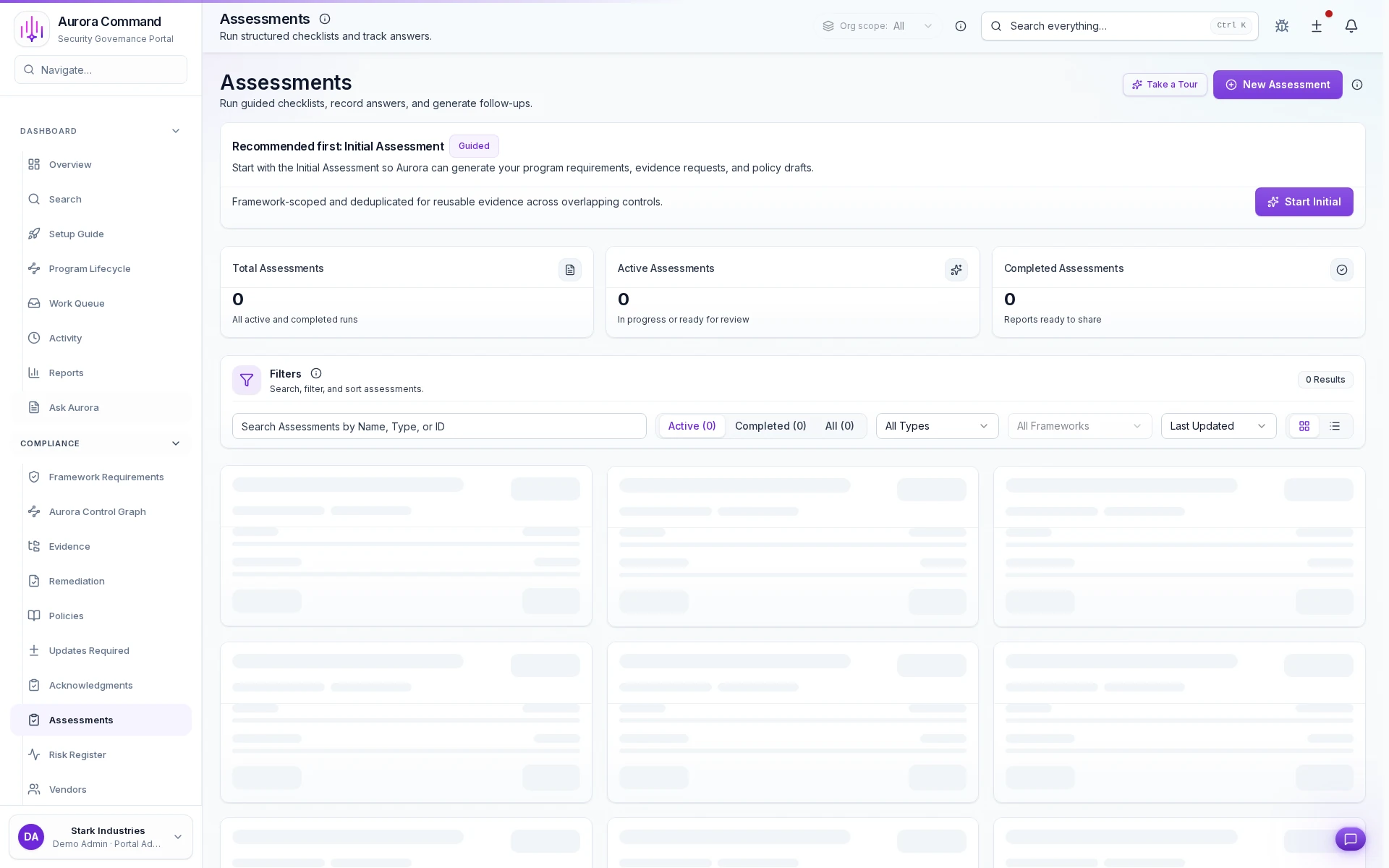
Run the initial assessment in one guided pass
Reuse answers across overlapping controls
Track active and completed cycles in one place
How Teams Answer And Approve Security Reviews
01
Import the request
Import questionnaires and reviewer asks into Aurora with scope, due dates, and owners attached.
02
Draft answers with citations
Build responses against current evidence so the team is not rewriting from scratch each cycle.
03
Review and approve
Keep human sign-off in the loop before anything is shared externally.
04
Turn gaps into work
Route missing proof and follow-ups to named owners instead of losing them in email.
05
Share a buyer-ready package
Send the approved response with the evidence trail reviewers can actually follow.
What This Adds To The Review Motion
Feature 1 of 5: Designed for
1/5
Designed for
Questionnaires • Security reviews • SOC 2
Artifacts reviewers recognize, plus sample previews of structure.
Scroll for artifact previews
Connect The Systems That Keep Review Answers Credible
Questions Teams Ask
How do policies, controls, and approvals stay tied together?
How do policies, controls, and approvals stay tied together?
Aurora keeps version history, ownership, approvals, and related evidence attached so the governance record is easier to defend later.
What does the team actually share from this work?
What does the team actually share from this work?
Teams usually share Readiness summary export (PDF); “What’s stale” report (CSV). The goal is to give reviewers the right package without making them reconstruct how the program operates.
Where does this help most in recurring audits?
Where does this help most in recurring audits?
It fits best when the team is handling Questionnaires, Security reviews, SOC 2 and needs the work to stay reusable instead of being rebuilt each cycle.
What changes after rollout?
What changes after rollout?
Identify what’s blocking questionnaires and audits Surface stale policies/evidence before buyers do
Share The Framework, Control Set, Or Policy Review You Keep Rebuilding.
We’ll show how Aurora keeps approvals, change history, and evidence connected so the next review starts from current work.
Share one request and we will show the path to readiness summary export without losing approvals, ownership, or reviewer context.