Feature
Continuous Compliance Checks: Keep configuration evidence current without manual screenshots every review cycle.
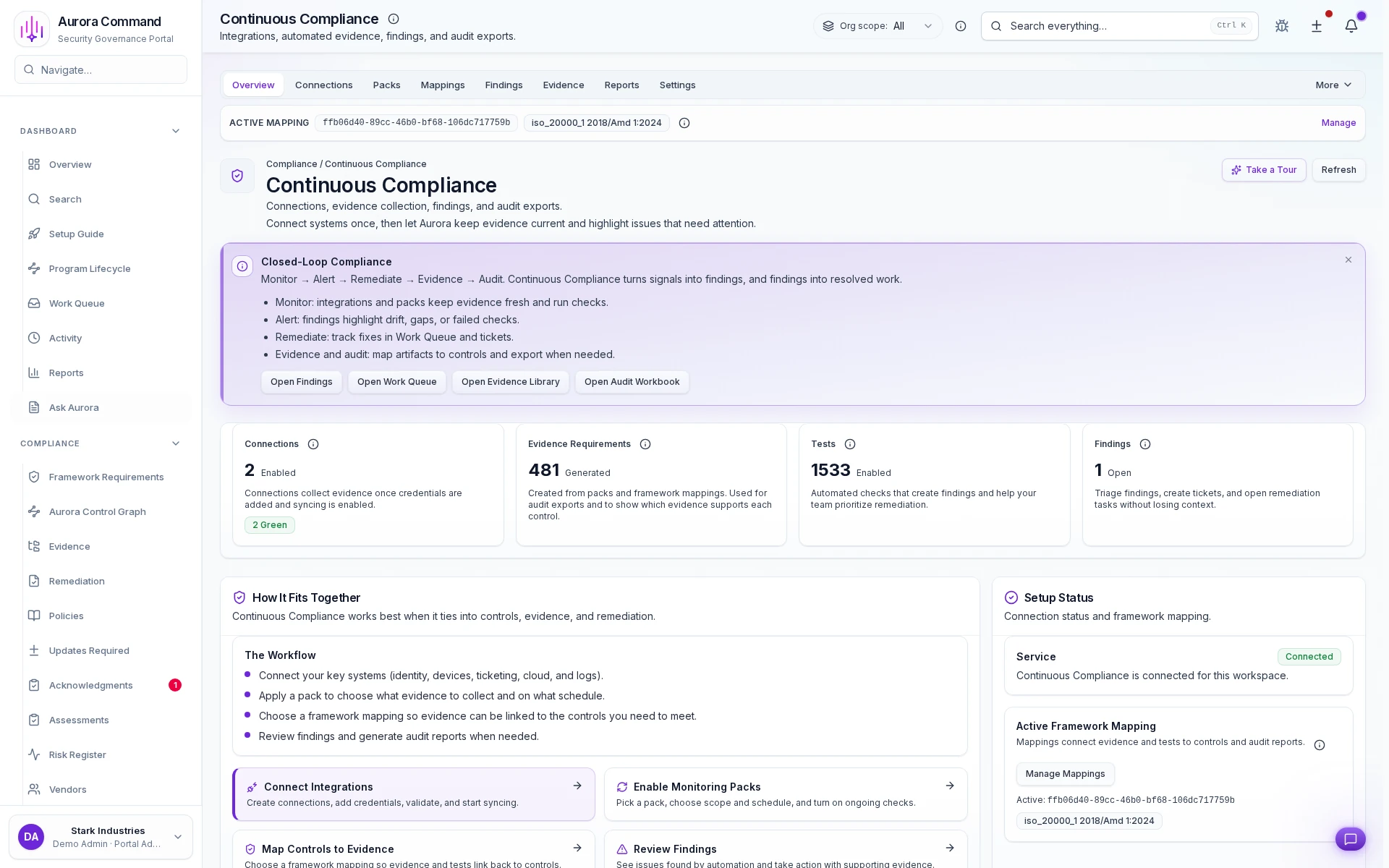
For supported connectors, Aurora checks common audit/buyer requirements (MFA, password policy, logging, etc.) on a schedule and records the result as evidence.
Keep configuration evidence current without manual screenshots every review cycle.
- Freshness is visible:Timestamps, source history, and owner context stay attached to every record.
- Connectors keep pace:Automated capture reduces screenshot chasing and spreadsheet rebuilds.
- Exports stay review-ready:Package evidence into reviewer-safe bundles without losing traceability.
- Reuse across frameworks:Map the same evidence into overlapping control sets instead of recollecting it.
Sample output
Check result history
Verifiable proof reviewers can follow
Automate Evidence Refresh Between Reviews
Score evidence coverage against active frameworks
Close the loop from monitor to remediation
Map active frameworks to one library
Hold every finding until it is resolved
How Teams Keep Control Evidence Current
01
Connect the source systems
Connect the systems that determine whether controls are actually operating as expected.
02
Schedule recurring checks
Automate the validation cadence instead of relying on one-off collection projects.
03
Review freshness and drift
Spot broken capture, stale records, and exceptions before they show up in a review.
04
Investigate failures fast
Turn failed checks into visible follow-up work with owners and dates.
05
Reuse the record everywhere
Carry current evidence into frameworks, questionnaires, and renewal cycles without rebuilding it.
What This Adds To Continuous Compliance
Feature 1 of 5: Designed for
1/5
Designed for
SOC 2 • CMMC
Artifacts reviewers recognize, plus sample previews of structure.
Scroll for artifact previews
Connect The Systems That Keep Checks Grounded
Questions Teams Ask
How does Aurora prove the evidence is current?
How does Aurora prove the evidence is current?
Every record keeps source, timestamps, ownership, and review history visible so stale proof is easier to catch before a buyer or auditor does.
Can the same evidence support multiple frameworks?
Can the same evidence support multiple frameworks?
Yes. Aurora is built so one evidence record can support overlapping control mappings instead of being recollected for each framework.
What can we share without exposing internal systems?
What can we share without exposing internal systems?
Teams usually share Check result history; Unexpected changes report; Exportable security status summary. The exported package keeps the proof trail intact without opening direct access to the underlying systems.
What changes after rollout?
What changes after rollout?
Reduce staleness between audits Detect unexpected changes before they become a finding
Share The Evidence Request That Keeps Slowing The Team Down.
We’ll show how Aurora keeps source history, freshness, and reviewer-safe exports tied to the same record.
Share one request and we will show the path to check result history without losing approvals, ownership, or reviewer context.